The algorithm was not invited.
Recommendations, trending modules, ads, and popularity signals compete with the sources I intentionally chose.
 Studio
Studio project Daily View
I built Daily View to turn the websites, channels, and podcasts I choose into one calm daily edition—without ads, recommendation algorithms, or pressure to keep up with everything. It remembers what I want for later and where I stopped, without choosing anything for me.
Open Daily View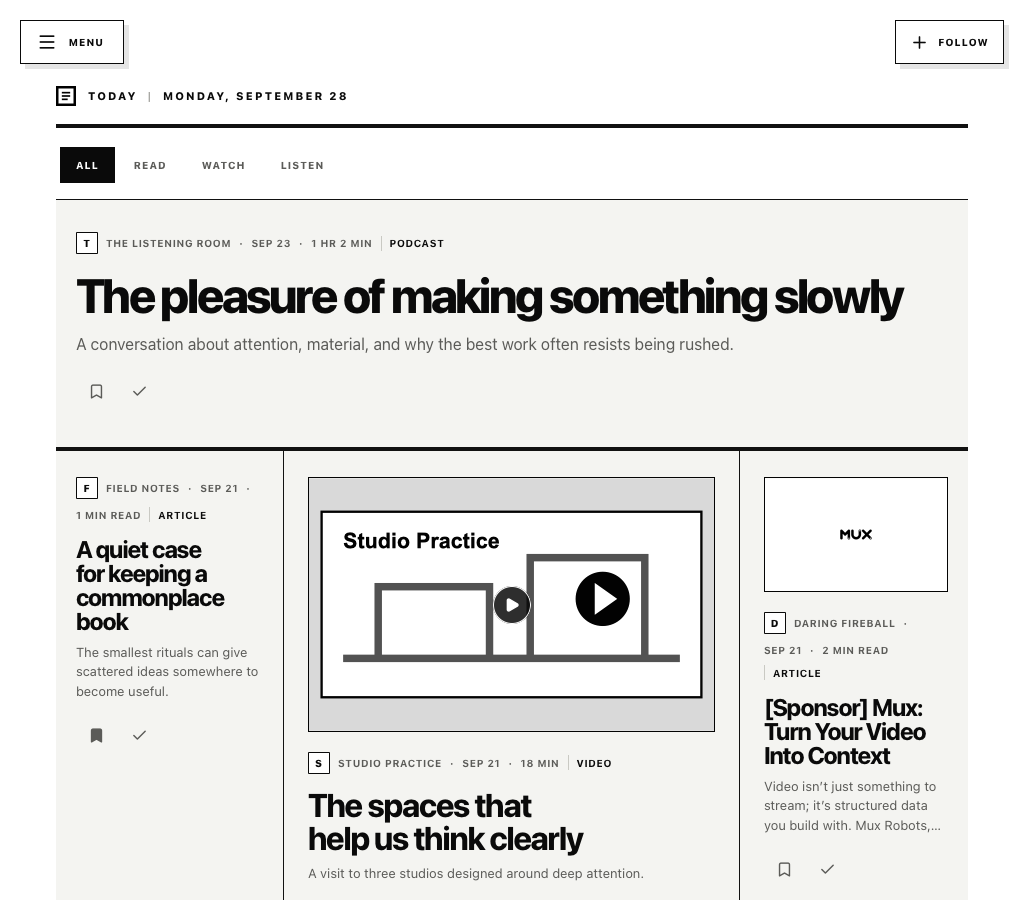
The opportunity
I built Daily View first for myself. The writers, publications, channels, and podcasts I wanted to check every day were scattered across the internet, surrounded by ads and mixed into feeds designed to keep deciding what I should see next.
The product starts with a narrower promise: bring the sources I deliberately chose together, shape their newest work into a useful daily edition, and help me return to what I saved or left unfinished. It behaves more like a personal newspaper than another engagement dashboard.
Recommendations, trending modules, ads, and popularity signals compete with the sources I intentionally chose.
Articles, YouTube videos, and podcasts arrive through different systems even when they all belong to the same daily routine.
Something for later, something worth keeping, and something left halfway through should not collapse into one guilt-inducing unread queue.
Websites, feeds, YouTube channels, and podcasts all need to resolve into one dependable content model.
The product strategy
The interface uses strong editorial hierarchy, generous space, and clear rules, then lets each reader choose a newspaper or simple list, full-color or newsprint images, and a light or dark reading environment. Underneath, a shared source and item model turns several open formats into one consistent experience without copying the same content for every user.
Explore the product
The same editorial language now carries from guided setup into the daily edition, immersive readers, synced progress, and a two-part library. Each view has one clear job and leaves the content in charge.
01 / Today
Today builds a balanced edition of up to 30 stories without letting one prolific source take over. Featured stories, briefs, and media sections create newspaper rhythm; a simple list is available for people who prefer consistency.
02 / Continue
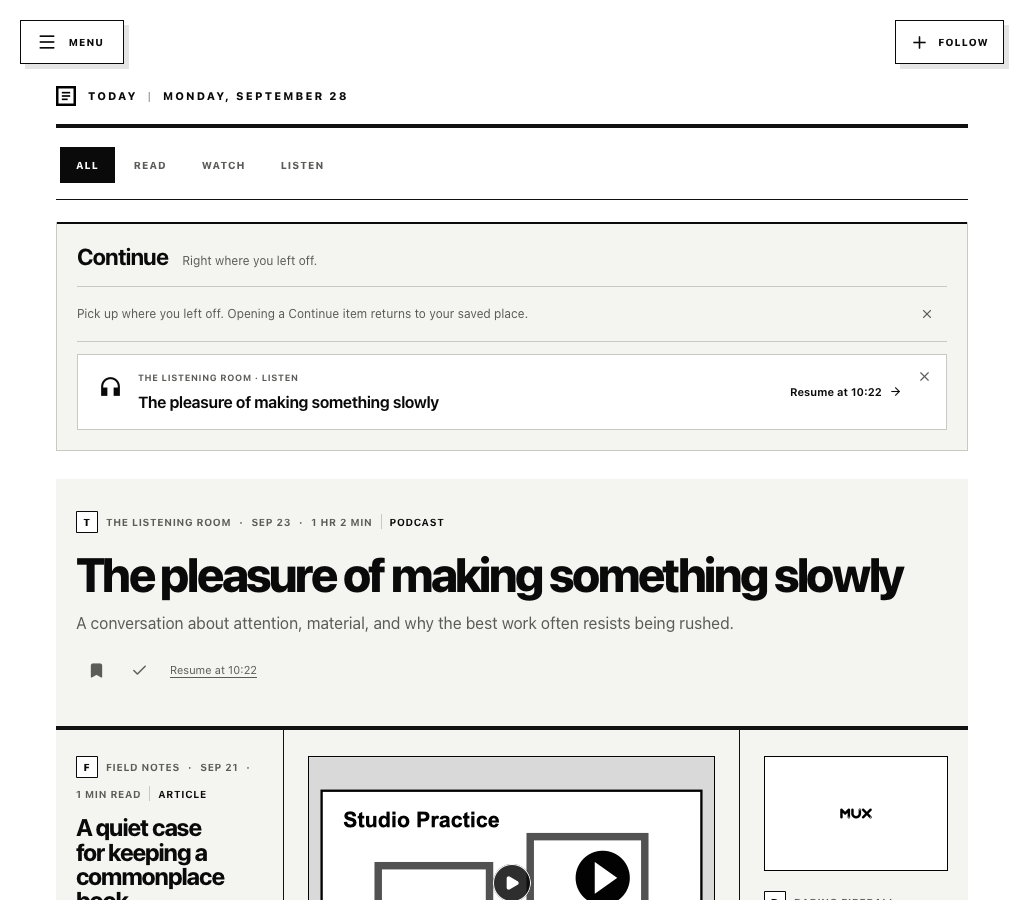
Continue stays small and specific: up to three recently active pieces, each returning to the saved passage or playback time. It disappears when there is nothing unfinished and never turns progress into another inbox.
03 / Set up
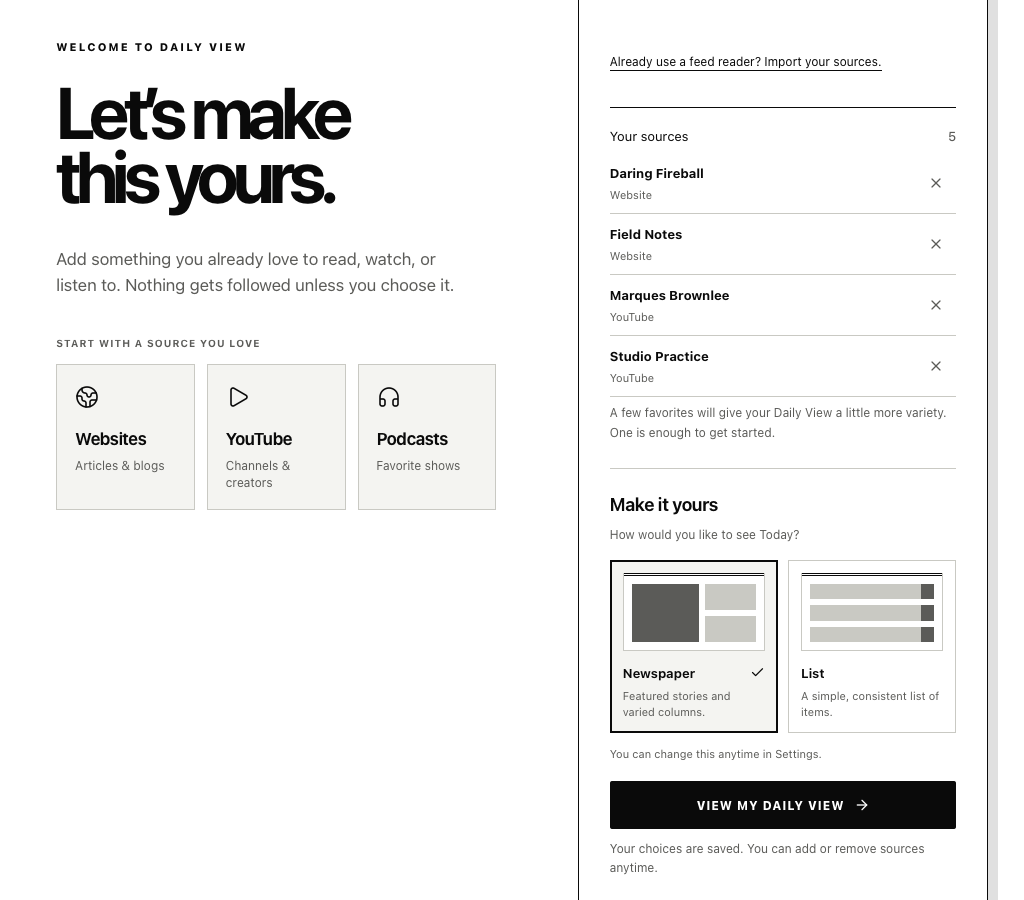
Guided setup starts with something the reader already loves. Daily View previews recent titles before a follow, supports reviewable OPML imports, and makes the first layout decision part of onboarding rather than a hidden preference.
04 / Library
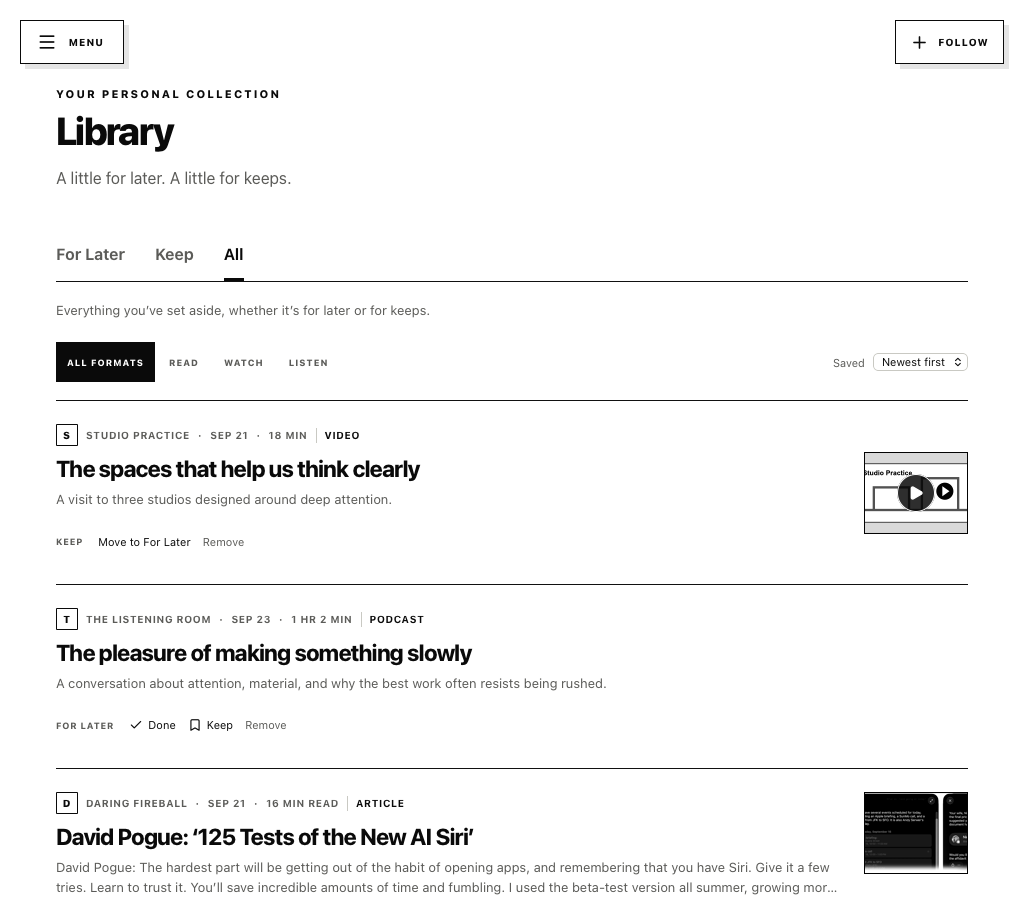
Library separates the temporary queue from the pieces worth keeping. Opening something never clears it, and finishing something never erases a permanent save. Progress, read state, and collection state each preserve a different intention.
05 / Make it yours
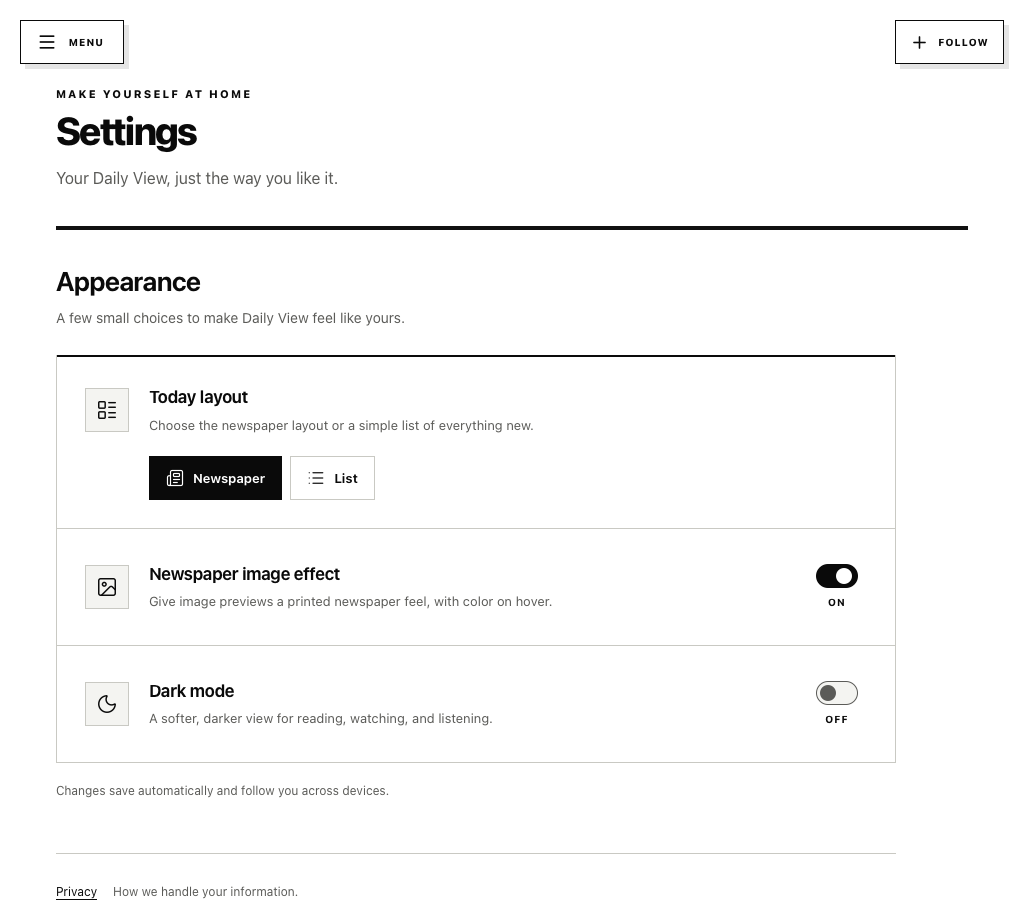
Appearance choices change how the same selected content feels, not what appears. Layout, image treatment, and dark mode follow the account across devices while the underlying source relationship stays untouched.
The direction
Daily View is becoming the focused alternative I wanted for my own routine: technically broad enough to handle the open web and remember my place, but disciplined enough to protect the simple daily ritual at its center.
Every item can be traced to a source the reader chose, never an ad placement or opaque recommendation system.
Continue, For Later, Keep, read state, and playback progress remain independent instead of collapsing into one ambiguous queue.
Safe feed handling, search, synced preferences, keyboard movement, and a shared API make the product more useful without introducing recommendations or pressure.
The bigger idea
Daily View is still in active development, but it already gives me the calmer daily ritual I set out to build: an edition shaped from the internet I chose, a clear place for what I want later or forever, and a reliable way back to where I stopped—with no ads and no algorithm trying to choose for me.