Jobs needed a standard path.
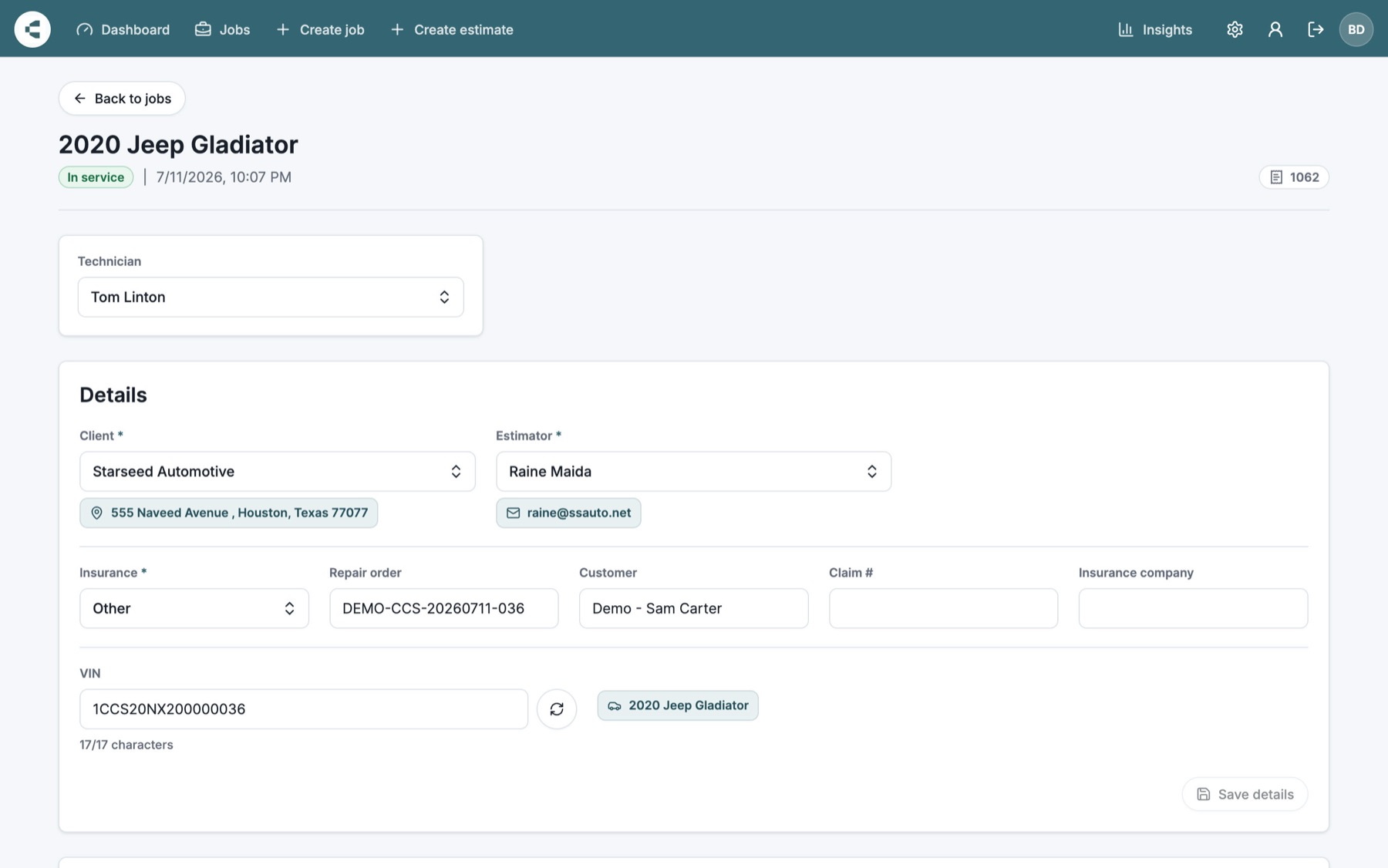
Every vehicle brought a mix of client details, VIN data, services, technicians, notes, and pricing decisions that had to move cleanly from intake to invoice.
 Studio
Case study CollisionCare
ADAS work moves fast, but the back office can easily slow it down. BRETD Studio designed and built CollisionCare, a focused workflow app that helps calibration shops manage jobs, technicians, approvals, invoices, and reporting without losing the thread of the work.

The brief
ADAS stands for Advanced Driver Assistance Systems: the sensors, cameras, radar, modules, and calibration work that help modern vehicles steer, brake, detect lanes, monitor blind spots, and stay safe after repairs.
As shops take on more of that work, the operational load grows with it. Intake details, VINs, service lines, technician assignments, approvals, invoice delivery, and reporting all need to stay consistent so the team can keep learning, training, and serving more clients.
Every vehicle brought a mix of client details, VIN data, services, technicians, notes, and pricing decisions that had to move cleanly from intake to invoice.
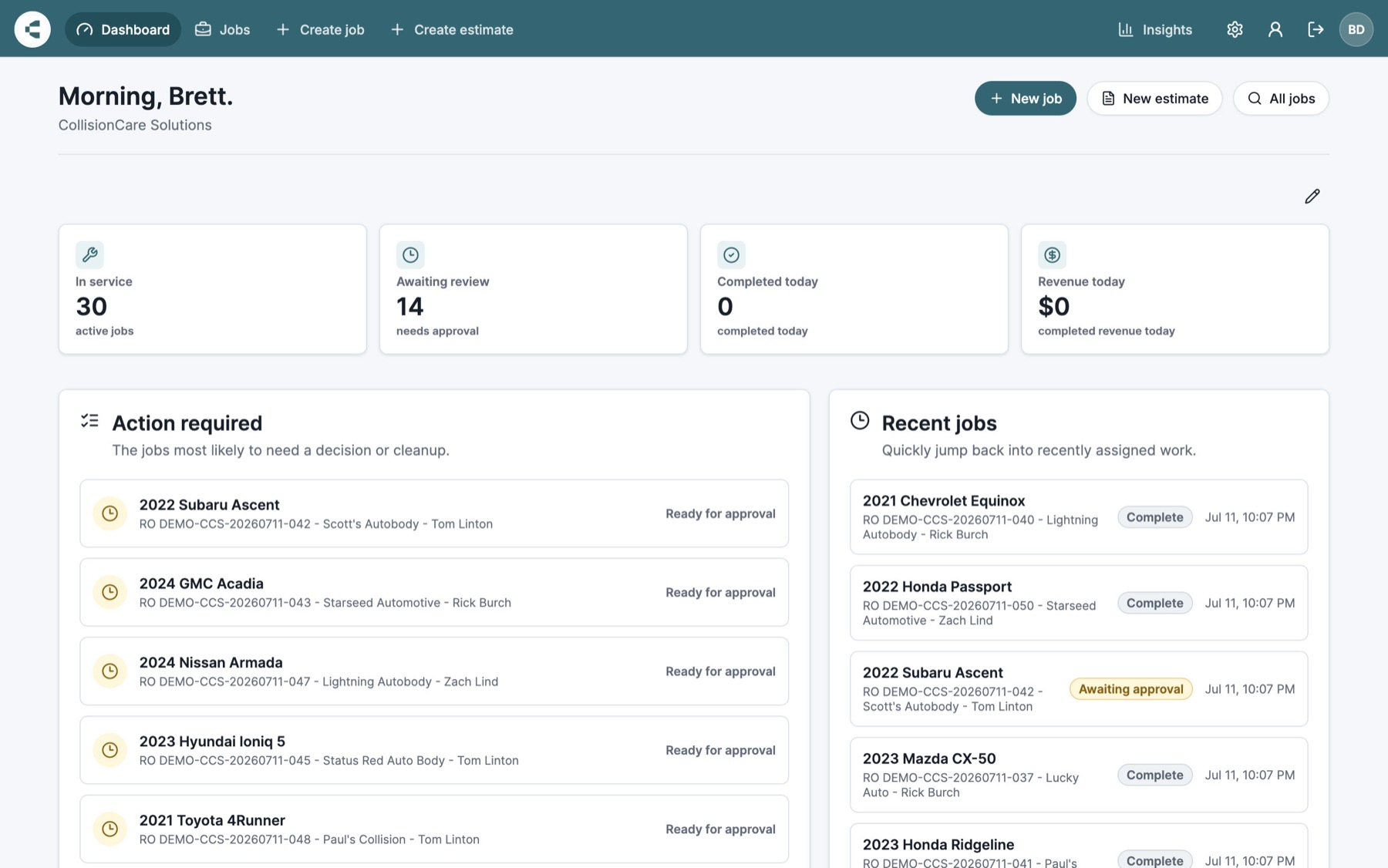
Without a shared workflow, it was too easy to lose track of what was in service, awaiting review, complete, or ready to bill.
Generating the right client-facing documents and getting them delivered created back-office work that did not help technicians get better at the craft.
More clients and more technicians should create leverage, not a larger pile of manual coordination for the owner or manager.
The product strategy
Rather than forcing shops into a generic job tracker or another disconnected spreadsheet, BRETD Studio designed CollisionCare around how ADAS work actually moves through a shop: intake, assignment, service, review, invoice, and insight.
01 / Consistent job workflow
Jobs move through a defined path from intake to completion, with the details that matter staying attached to the work. Technicians know what needs to be done, managers can see what needs attention, and the shop is not relying on memory, inbox searches, or scattered notes to keep jobs moving.
02 / Approval and invoice delivery
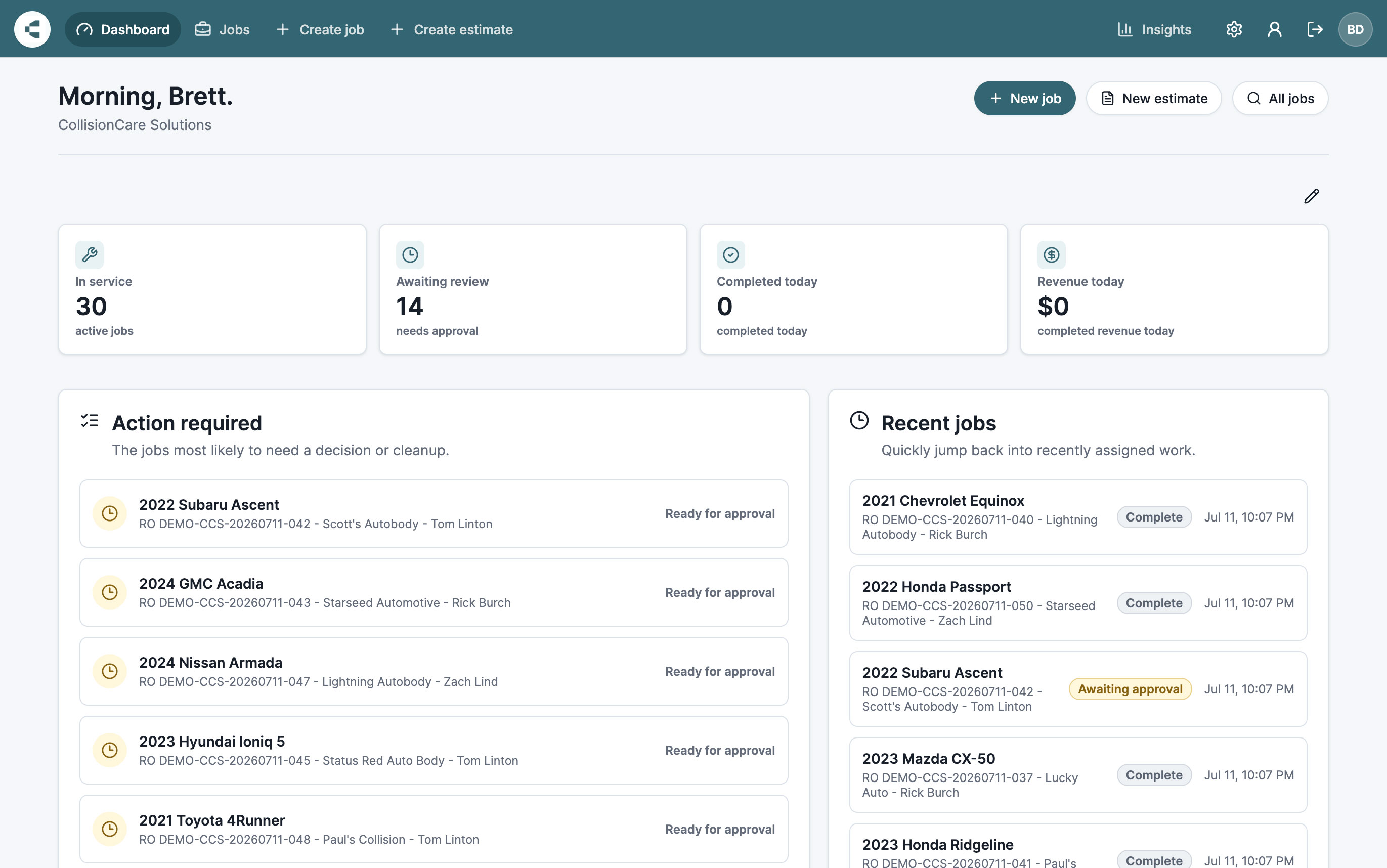
CollisionCare keeps review, invoice creation, PDF delivery, and client communication connected to the job workflow. Instead of bouncing between spreadsheets, email threads, and accounting tasks, shops get a cleaner handoff from completed work to approved client-facing documents.
03 / Operational insight
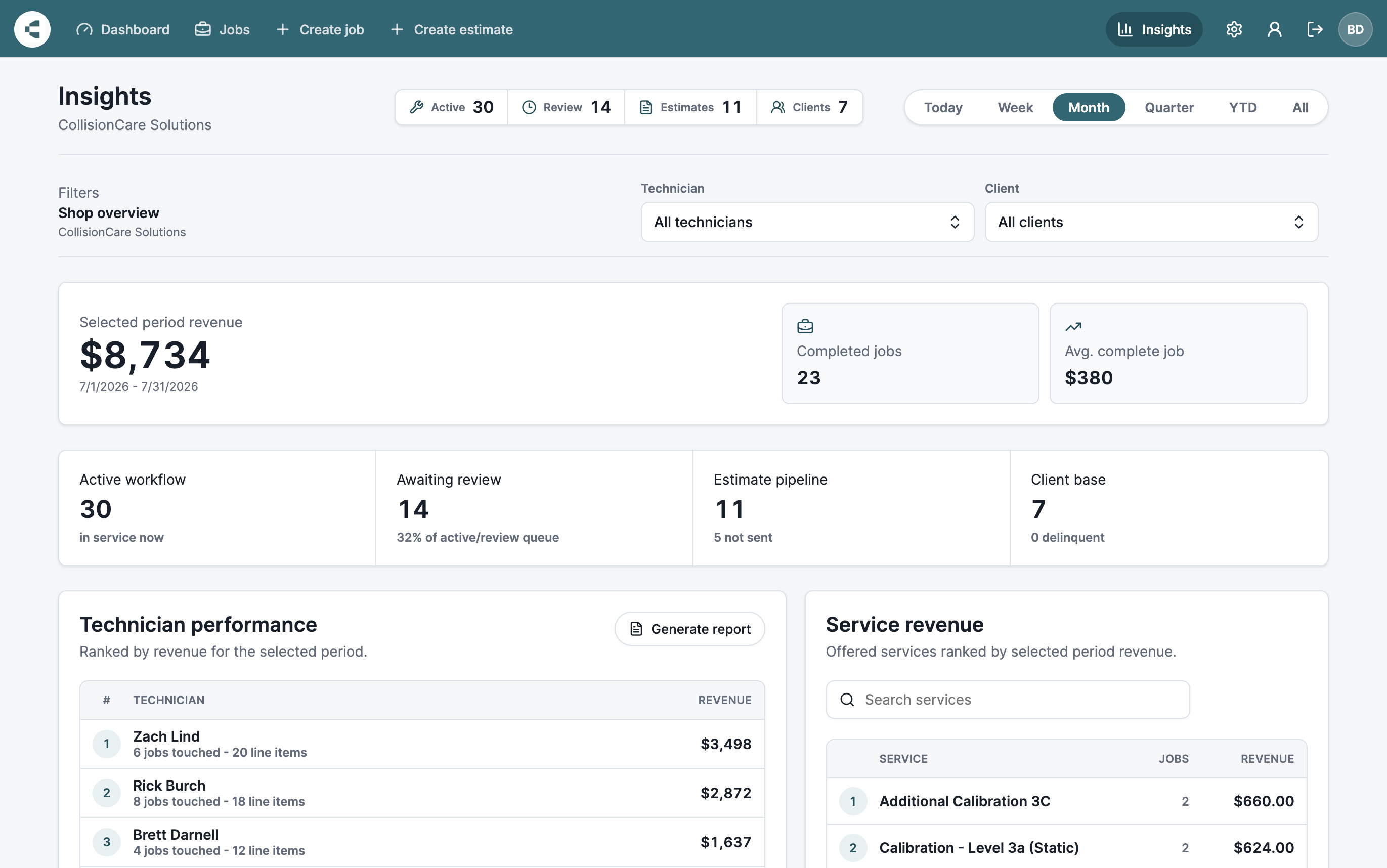
CollisionCare turns everyday shop activity into useful operational insight. Owners and managers can understand job volume, revenue, technician activity, service mix, and bottlenecks, which creates more space to train technicians, improve capability, and grow the business with intention.
The business outcome
Shops gained a repeatable workflow from intake to invoice. Technicians know what to work on, managers know what needs attention, and owners can scale the business without letting the back office swallow the day.
Consistent fields and statuses reduce dropped details, duplicate effort, and unclear handoffs.
When the admin burden gets lighter, shops can spend more energy training technicians and growing technical skill.
A repeatable workflow helps shops take on more jobs and clients without the same increase in administrative overhead.
The bigger outcome
CollisionCare connects the work technicians perform every day with the information owners and managers need to run the business well. The platform gives ADAS shops a practical operating foundation for consistent service, technician development, and healthier growth.
Visit CollisionCare